Character photos
1–2 separate portraits. Empty slot = keep original face from the reference.
Recreate the viral Tip Toe Wing in My Jawwdinz dance with 1–2 authorized photos. Match the Tip-toer and Partner, keep empty slots as the original cast, and download a private MP4—without writing a prompt.
Choose a Tip-toer, a Partner, or both. The motion reference keeps the choreography, timing and barn staging people recognize from the viral meme.
1–2 separate portraits. Empty slot = keep original face from the reference.
Viral tip-toe dance clip. Your photos supply identity; the clip supplies movement.
Sign in with ReelMuse, spend credits, preview on-page, then download.
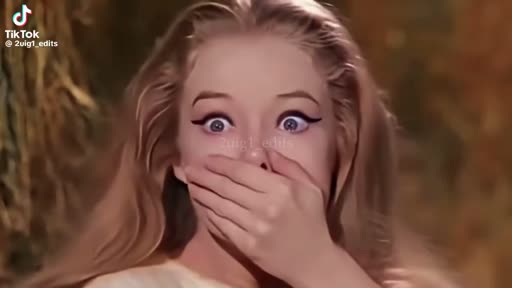
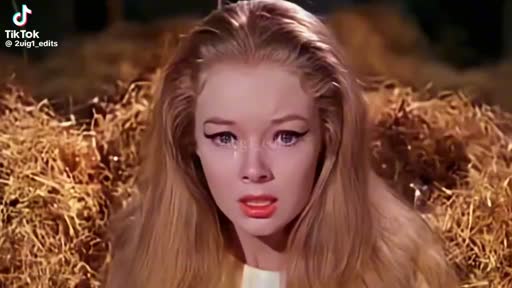
Compare the reference choreography with the sample output. Verified user before/after cases will replace these stills once production generations are ready.
Pulled from public #tiptoeinginmyjordans posts (observed 2026-10-10). Thumbnails link out to the original TikToks — we do not rehost their videos.
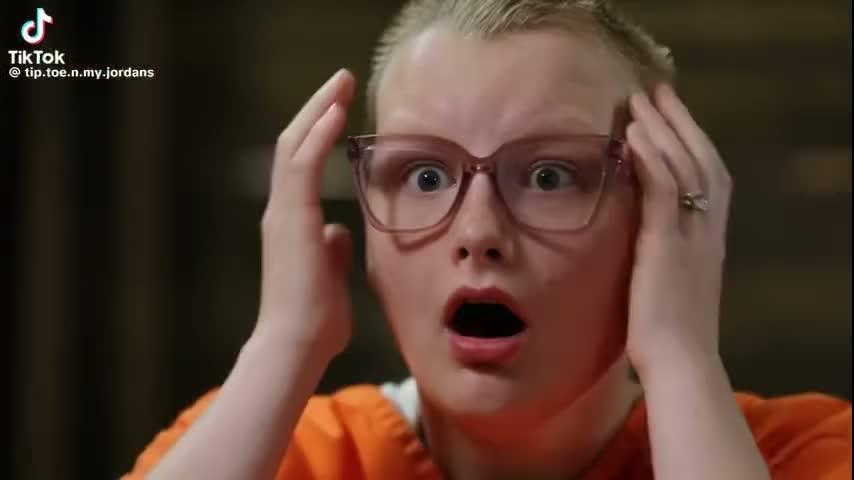
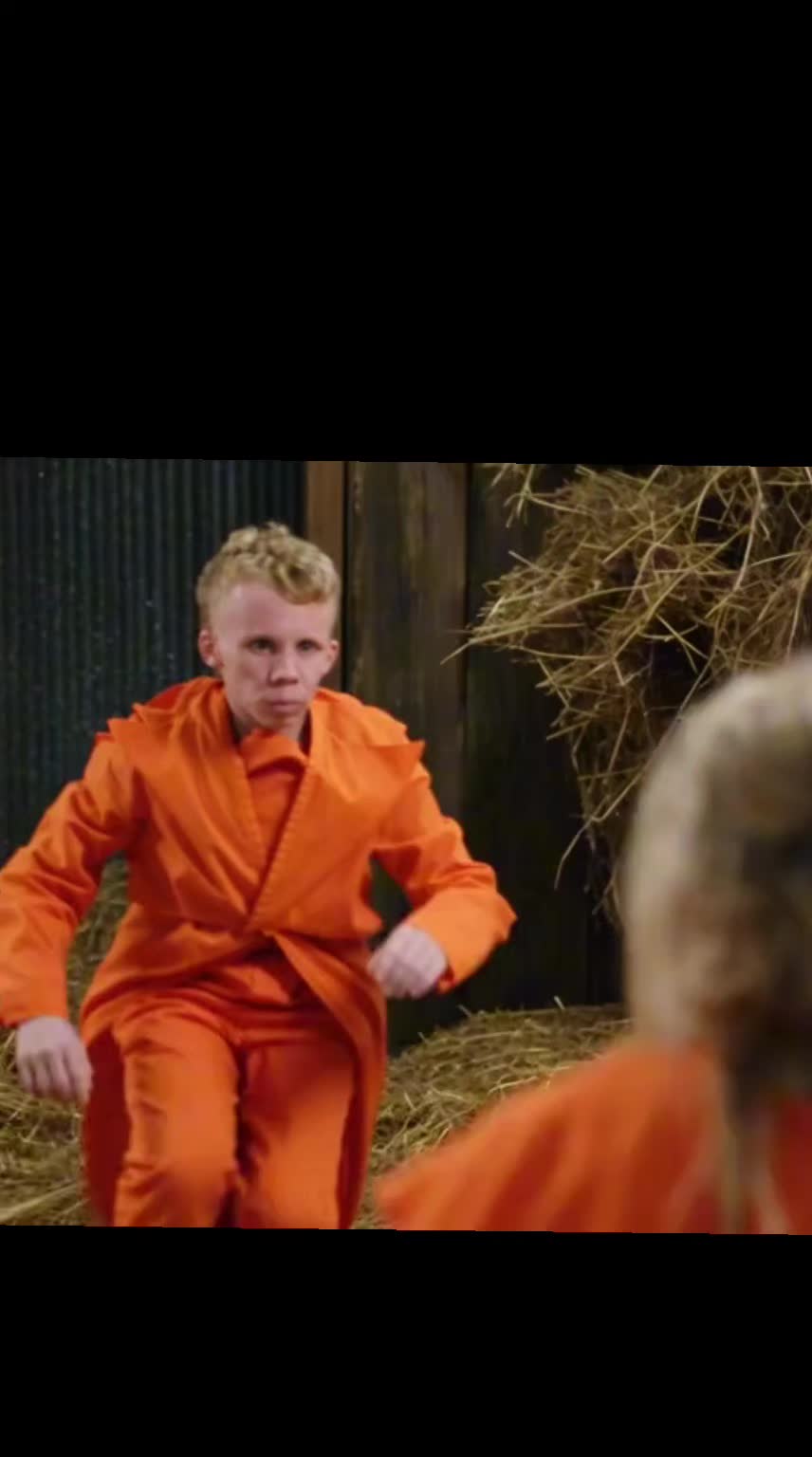
Core meme staging with the tuxedo tip-toer dancing to the viral sound.
Puts Dakota / Felicity into the tip-toe dance — the remake pattern our generator targets.
Creator labeled AI remake: a named person tip-toeing in the Jordans dance.
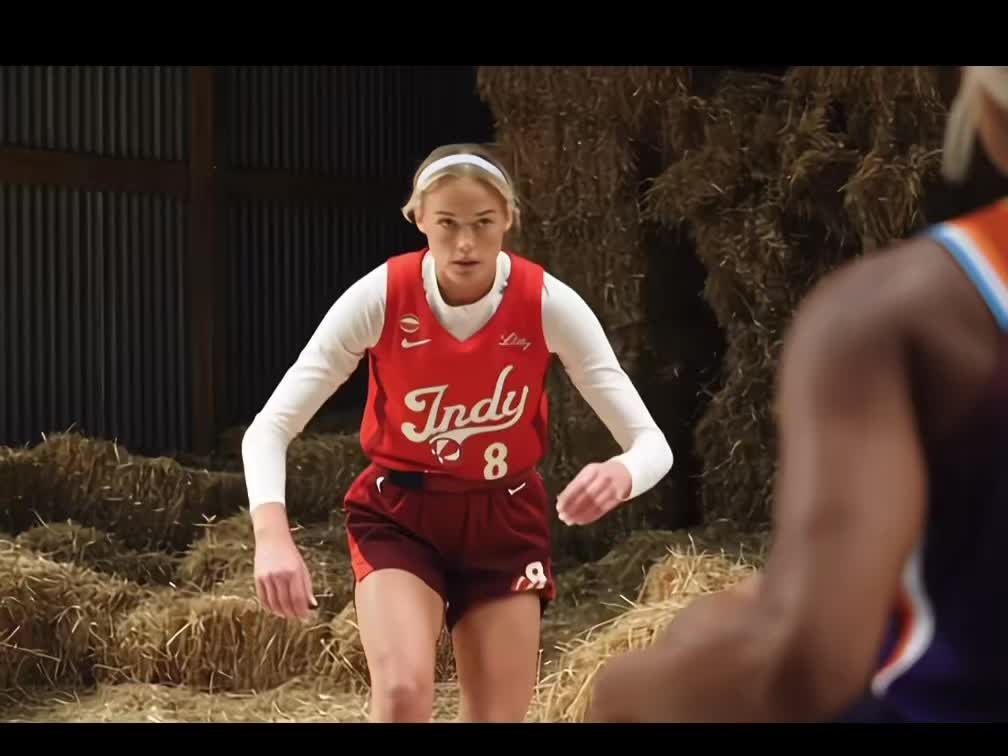
Sophie Cunningham WNBA meme edit — same choreography, new public figure cast.
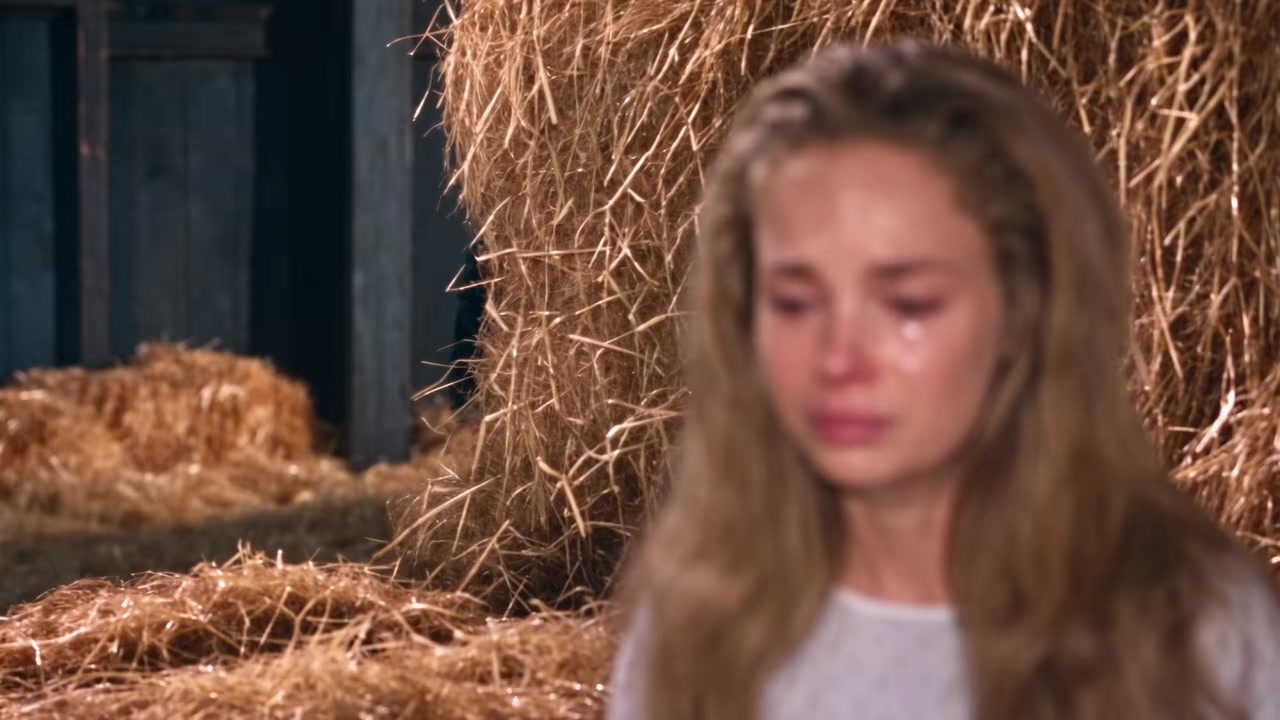
News-figure face swap into the tip-toe bit — shows how fast the format reskins.
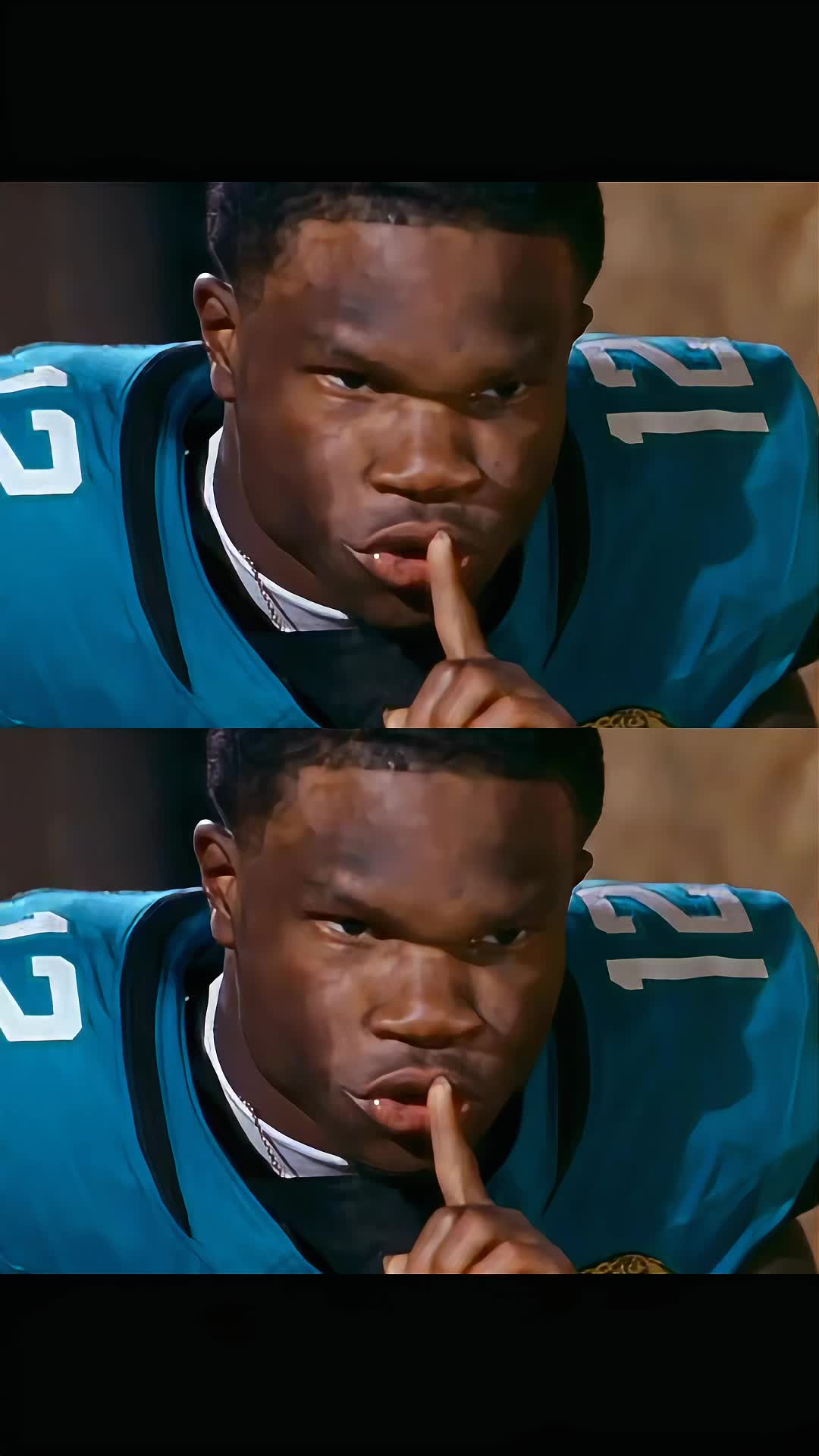
Search intent: creators looking for tip-toe effect tutorials and templates.
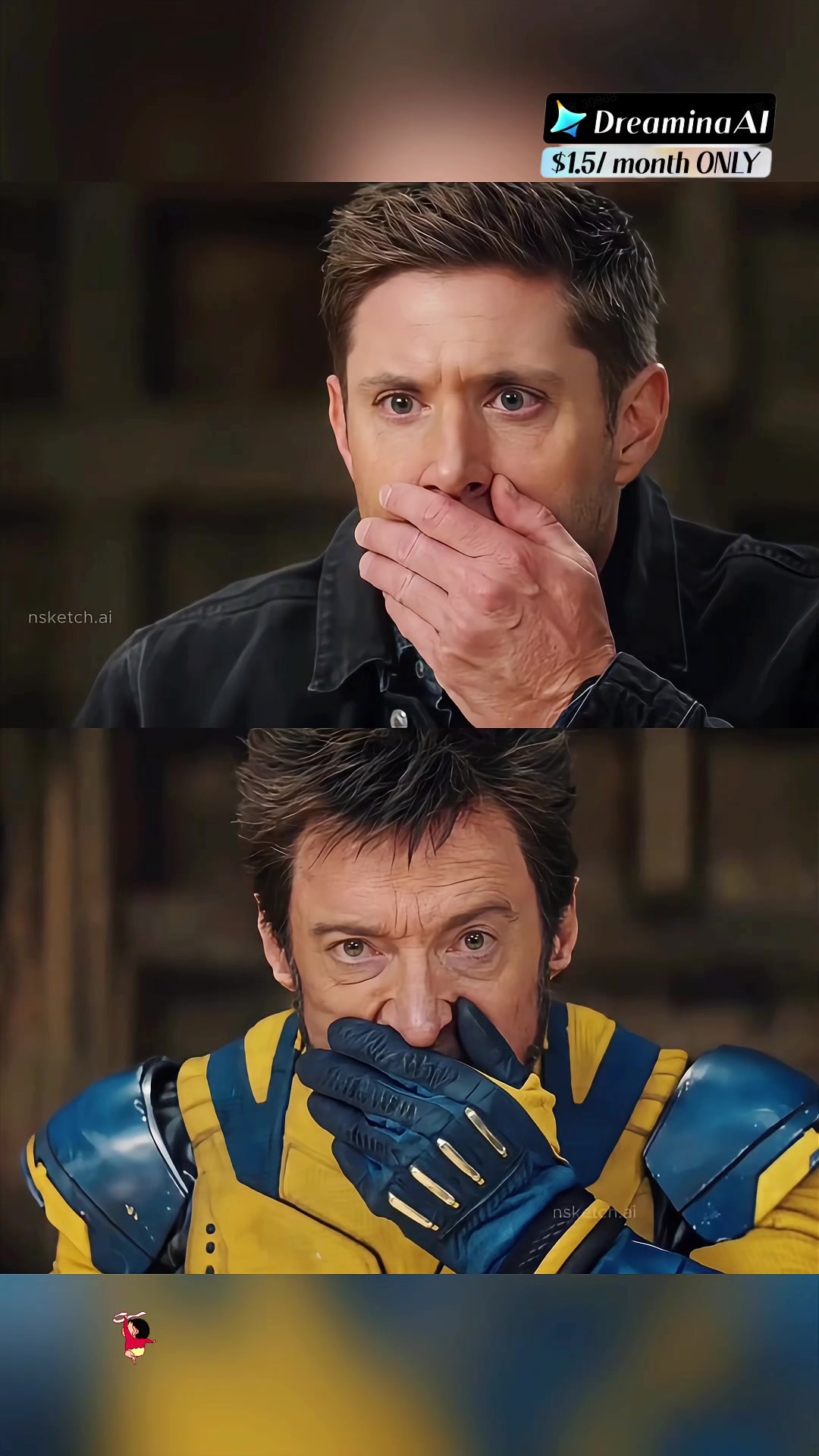
Direct “how to do the tip toeing in my jordans ai trend” demand on TikTok.
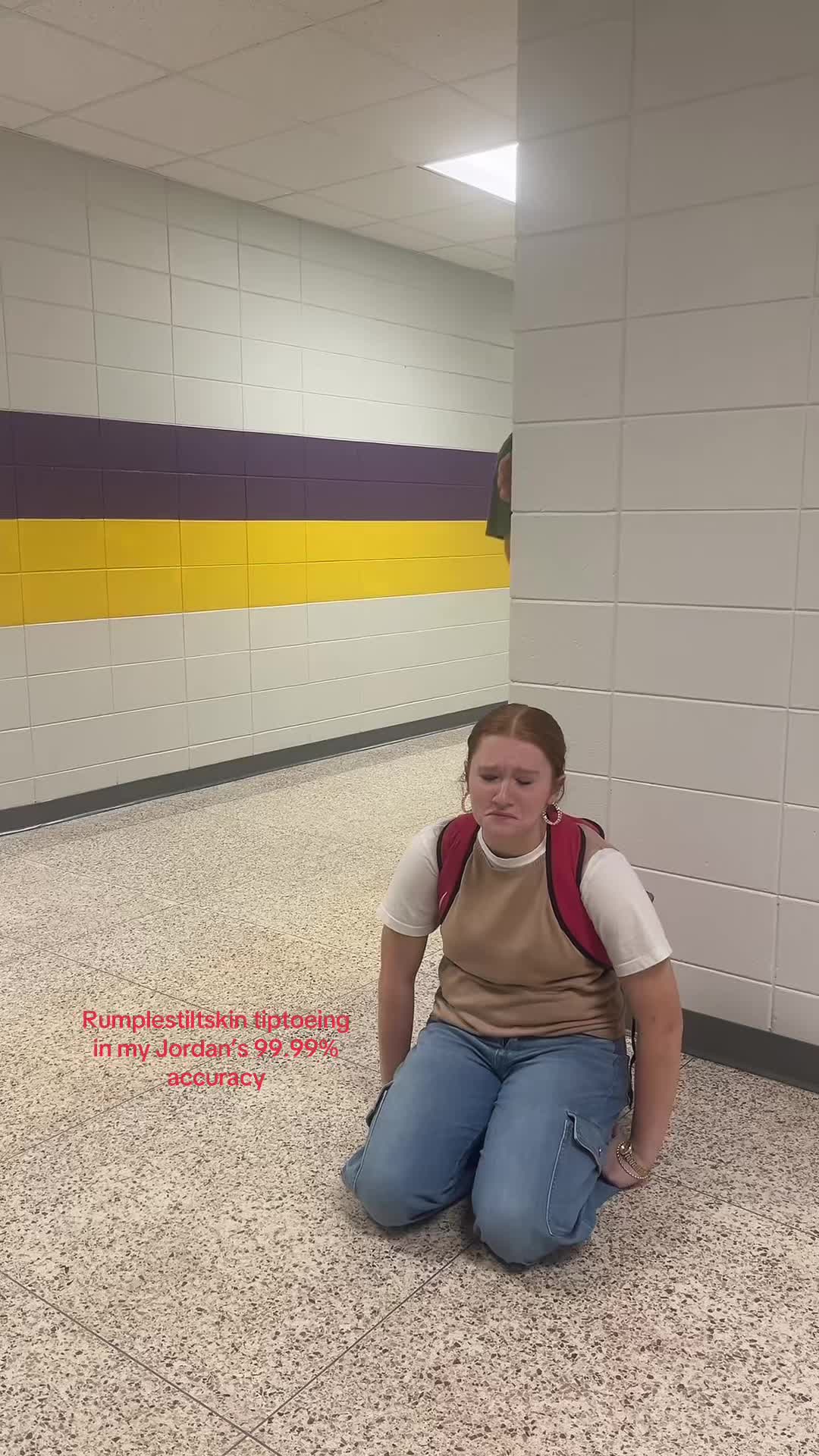
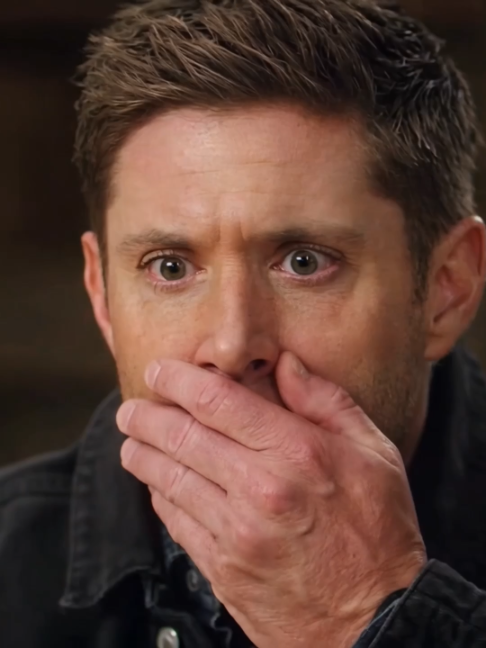
People film real-life tip-toe moments against the meme — proof the dance is culturally sticky.
Attribution stays with each creator. Cases illustrate remake / tutorial / reaction intents this generator serves.
Add a Tip-toer, a Partner, or both. Leave a slot empty to keep that original character.
At least one authorized photo is required. Only upload yourself, original characters, or people who gave permission.
Tip Toeing in My Jordans (also called Tip Toe Wing in My Jawwdinz) is a 2026 viral meme: an AI-generated 1980s-fantasy Rumpelstiltskin tip-toe dance set to RiFF RAFF’s 2014 track. People search “tip toe Jordans,” ask whether the clip is from a real 1987 film, and remake it by swapping faces into the dancing elf—and often the partner.
This page is a generator for that remake pattern. The reference clip supplies movement, camera and timing. Your photos supply the people you want to introduce. Empty slots keep the original cast.
Study the tip-toe gestures, partner reactions and barn framing before choosing photos.
Upload Tip-toer and/or Partner. Leave a slot empty to keep that original character.
Sign in with ReelMuse, confirm credits, generate privately, then preview and download.
Match the person, not just the position. Write the intent in your head as “tip-toer in the tuxedo” or “partner in the white dress,” then upload a clear single-person photo for that slot.
Replaces the tuxedo tip-toe character (C-slot). Best with a clear face or upper body.
Replaces the white-dress partner. Leave empty to keep the original partner performance.
The model needs enough identity detail to stay consistent through tip-toe steps, turns and close framing.
Cropped portraits reduce ambiguity. Avoid group photos, sunglasses and hands covering the face.
Front or three-quarter views work better than extreme profiles for the tip-toer slot.
If outfit identity matters, use a photo where clothing can be seen clearly.
Upload yourself, original characters, or people who gave permission. Celebrity likenesses may be blocked.
Final pricing is pending review. The generator will show the live quote on the Generate button after the effect is wired in production.
UI and auth are live against ReelMuse. Effect task type tip_toeing is staged for backend enablement.
Credits are reserved when the request is accepted—not when you only open the login dialog.
Confirmed failures follow ReelMuse refund rules. Keep the task ID for support.
Clear the unintended slot so it keeps the original cast, and use a tighter crop for the slot you want to replace.
Use separate single-person photos. Avoid one group photo for both slots.
Prefer a sharper, better-lit portrait. Extreme angles and occlusion reduce stability.
Use JPG/PNG/WebP under 10 MB. Sign in again if the session expired.
This review build still shows TBD until production pricing and the tip_toeing effect are enabled.
Yes. The viral clip is an AI-generated fantasy dance meme, not a lost 1987 film scene. This tool recreates that dance with your cast.
No. At least one authorized photo is enough. Empty slots keep the original Tip-toer or Partner.
Yes. Sign-in, credits, generation and history use your ReelMuse account on this page.
Browsing examples is free. Creating a private video spends ReelMuse credits. Live price appears when the effect is enabled.
Only upload likenesses you have rights to use. Some celebrity or copyrighted likenesses may be blocked.
You will see the reason and next step. Confirmed failures follow ReelMuse refund rules—keep the task ID.
TipToeingAI uses ReelMuse for authentication, credits and private task history.
Email support@reelmuse.ai with a task ID for generation, credit, billing, privacy or moderation questions.
Manage or delete your account in shared ReelMuse settings.
Privacy, Terms and refund handling follow the ReelMuse account policies used by HotelLobbyAI and other ReelMuse effect sites.